 ← All Guides
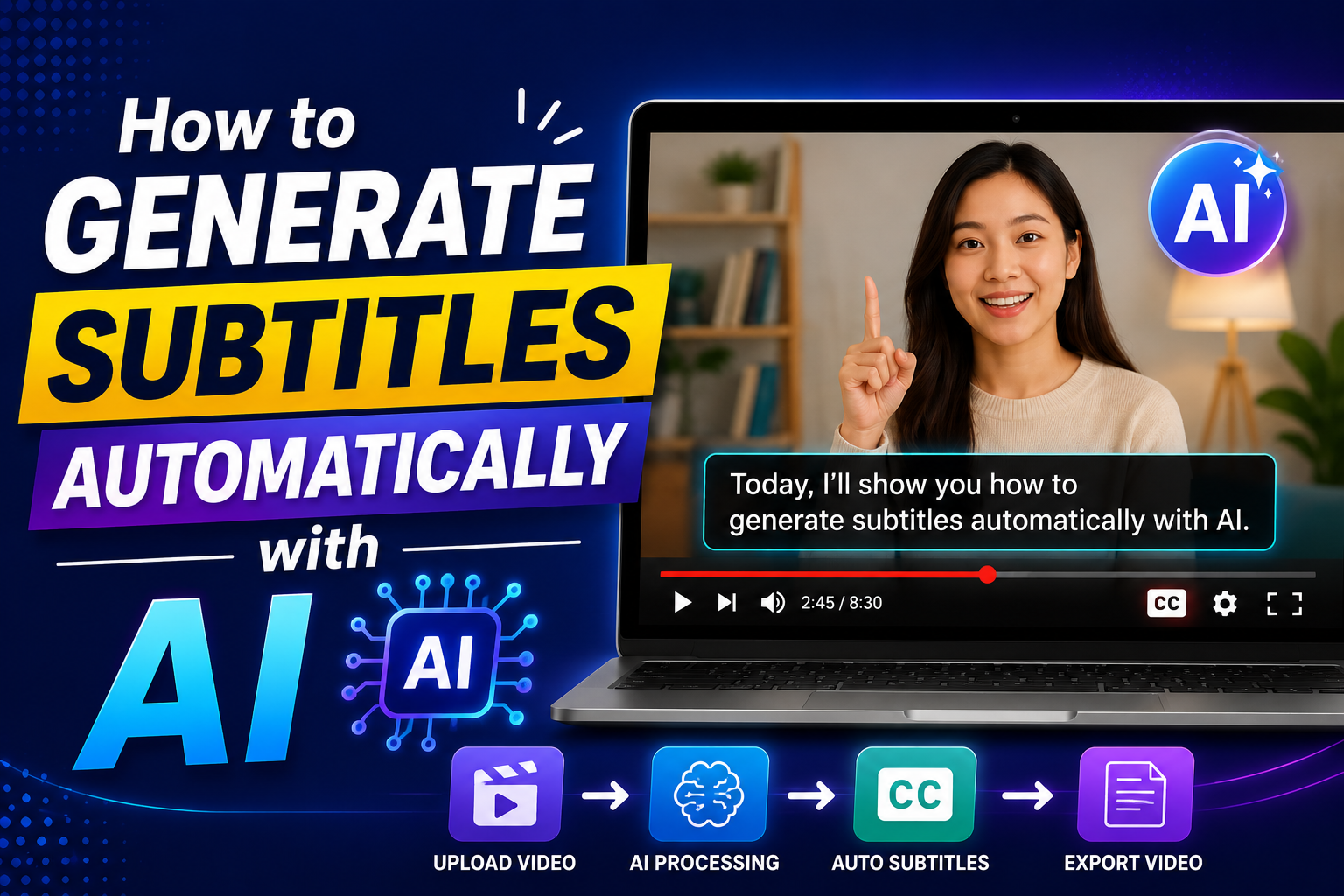
Manually transcribing a video to create subtitles is time-consuming. For a 10-minute video, manual subtitling can take 2–3 hours. AI-powered speech recognition has changed this — tools like OpenAI's Whisper can transcribe speech to text with high accuracy in minutes, supporting dozens of languages.
CreatorMedia Studio integrates AI transcription directly into the platform, allowing you to generate SRT or VTT subtitle files from any video or audio without leaving your browser.
Whisper is an open-source speech recognition model developed by OpenAI. It was trained on a large dataset of diverse audio and is notable for its strong performance across many languages, including low-resource languages. It handles background noise, accents, and varying audio quality reasonably well compared to older transcription systems.
CreatorMedia Studio uses Whisper to power both the Transcribe tool (audio-to-text) and the SUB Generator tool (audio-to-subtitle file).
Whisper supports over 90 languages. Some of the commonly used ones include:
From the dashboard sidebar, navigate to SUB Generator under the AI Tools section.
Upload the video or audio file you want to transcribe. The audio track is extracted automatically from video files.
Choose the spoken language of your content. If you are unsure, leaving it on Auto-detect often works well for clear audio.
Select SRT (the most widely supported format) or VTT (used for web video). SRT works with virtually all video editors and players.
Click Generate. Processing time depends on file length — typically 1–3 minutes for a 10-minute video. Download the subtitle file when complete.
CreatorMedia Studio offers two related tools:
Once you have the SRT file, you can:
AI-powered transcription — works on any video or audio file
Open SUB Generator →